How to Bulk Upload Images to Shopify (The Complete 2026 Guide)
Adding product images one at a time is fine when you have ten products. Past a few hundred SKUs it turns into days of work. There is a faster path for every situation, and the trick is matching the method to what you already have. This guide covers all of it.
Start here: what do you have?
Most advice on this topic assumes you already have a folder of photos sitting on your computer. A lot of the time you do not, and that changes which tool is right. So answer one question before you do anything else.
Pick your path
Path 1: You already have the photos
If the image files are already in hand, whether a supplier sent them, you shot them, or you downloaded them in bulk, the only job left is getting each photo onto the right product. Three options handle this well, from the simplest to the most powerful.
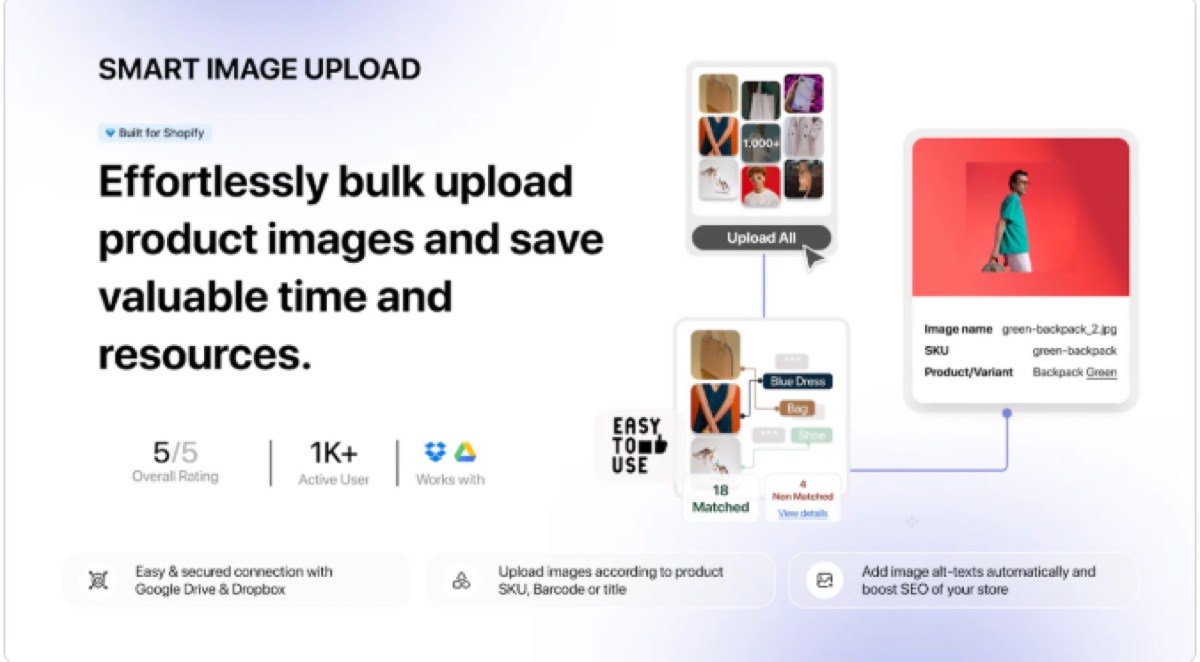
CS Smart Bulk Image Upload
Best for: matching a folder of images to products automatically, without spreadsheets.
Name your image files to match your SKUs or barcodes, and CS Smart Bulk Image Upload reads the names, matches each file to the right product, and attaches it. There is no CSV to build and no URLs to paste. It does this one job well, and Farid, the developer, actually answers his support emails. If you already own your photos, this is the first thing to try.
The CSV and Image Src method
Best for: small batches, or images already hosted online with a public URL.
Shopify has a product import that reads a CSV file, and one of its columns is Image Src. Whatever URL you put in that column becomes the product image. The catch that stops most people: it accepts image URLs, not files from your computer. So this path works when your images already live somewhere with public links. Shopify's CSV import documentation lists the exact columns.
Matrixify plus file hosting
Best for: very large catalogs, several images per product, full control.
When you have thousands of files on disk, the reliable approach is to host them online first and then import them by URL. A common setup is an Amazon S3 bucket plus Matrixify. You name the files to match your SKUs or product handles, build the image URLs with a spreadsheet formula, and import many images per product in a single pass. It takes more setup than the other two, and it handles scale better than anything else.
- Name each file to match its SKU, for example ABC-123.jpg, or the product handle.
- Upload everything to your host. For products with several images, add -1, -2, -3 to the filenames.
- Generate the Image Src URLs with a formula, then run the import through Matrixify.
Paths 2 and 3: You do not have photos yet
Every tool above shares one requirement: you already own the photo files. If you are starting from nothing but a list of product names, none of them help you yet. What you do next depends on whether the products are your own or branded goods you resell.
Path 2: You sell your own products
If the products are yours, private label, handmade, or generic, no photo of them exists online, so you have to create the images. AI product photo tools can turn a plain phone snapshot into a clean studio-style shot, or place the product on a lifestyle background.
- Photoroom removes backgrounds and places products on clean or lifestyle scenes.
- AI product photo apps on the Shopify App Store generate studio shots from a single image.
Path 3: You resell branded products
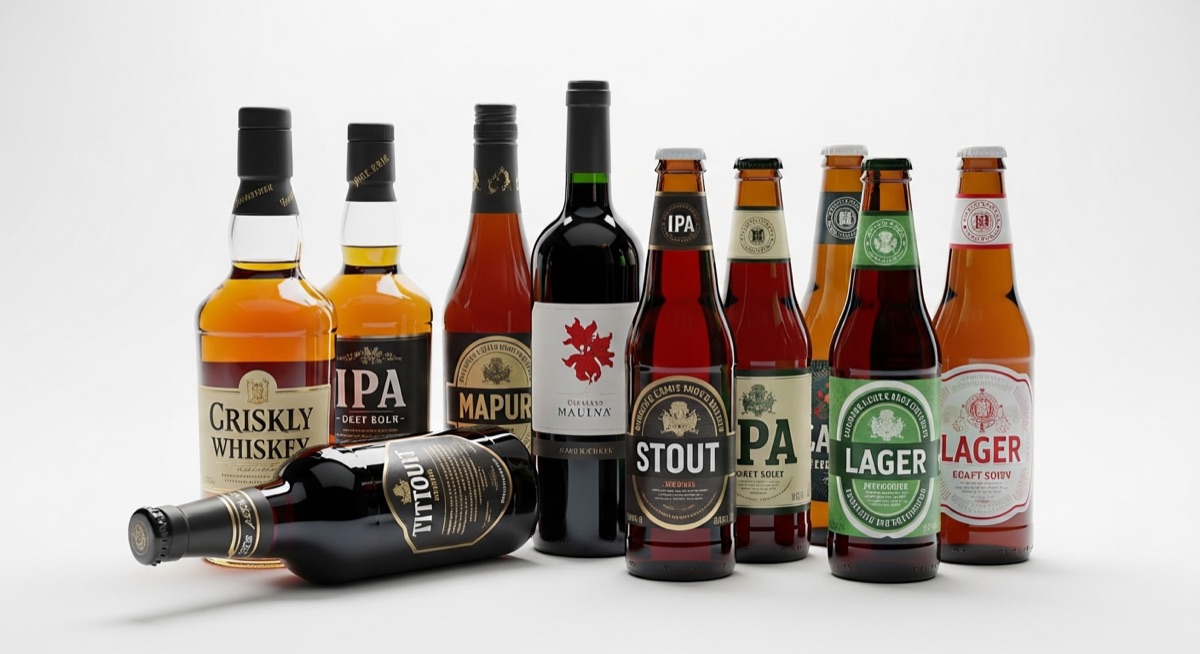
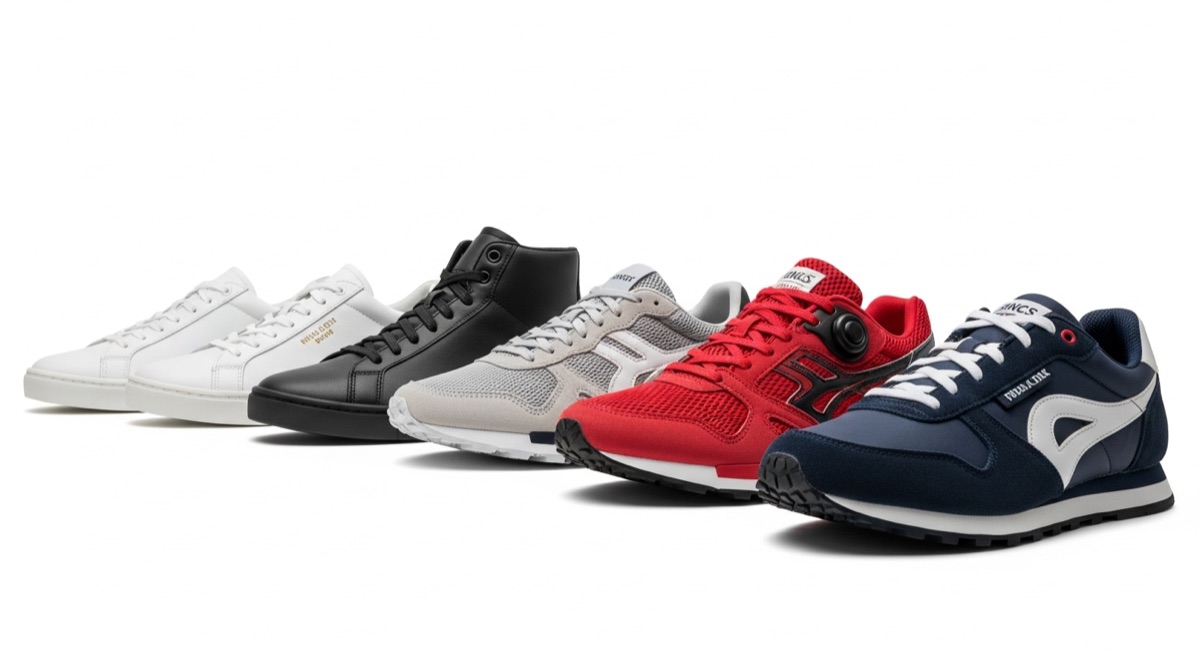
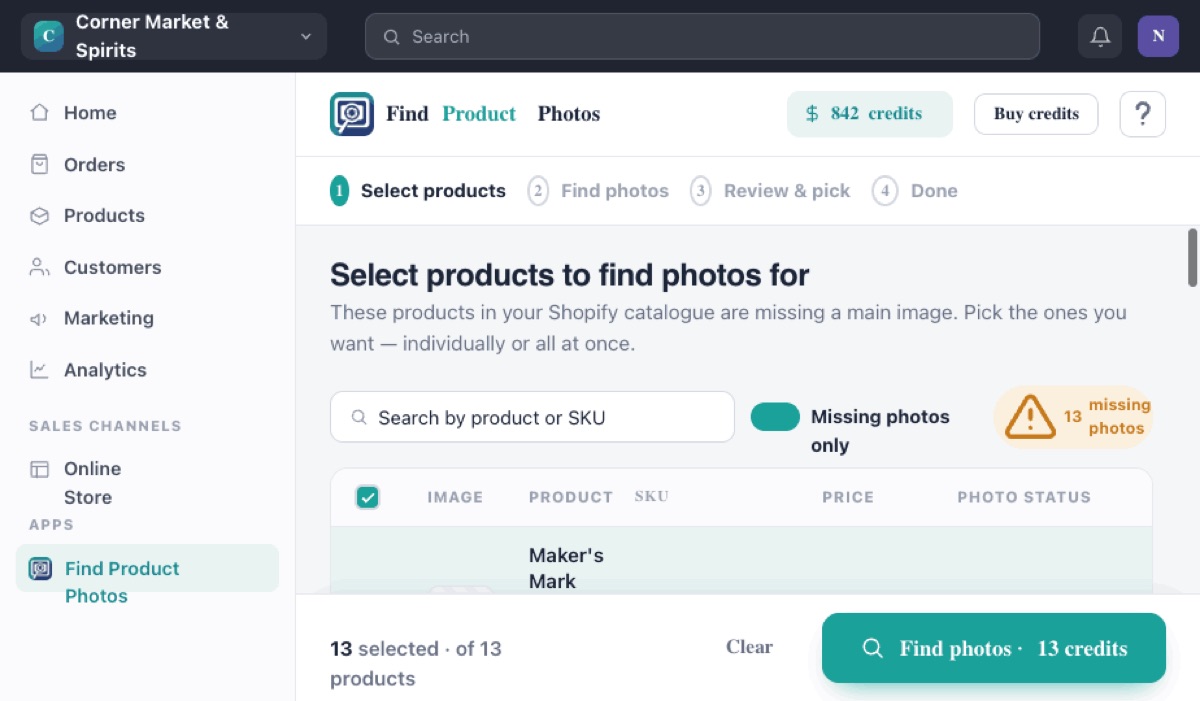
This is the common case for liquor stores, hardware stores, grocery and specialty shops, and sneaker and cosmetics resellers. The useful fact here: you do not have to create or own a single photo. A clean, professional shot of Maker's Mark Bourbon 750ml or Pepsi 2L is already online, published by the brand or one of its authorized retailers. The work is finding it and getting it onto your listing.
That is what Find Product Photos does. You start with your product titles instead of a folder of files.
Which method fits your situation?
| Your situation | Best tool | You start with |
|---|---|---|
| You have the image files | CS Smart Bulk Image Upload | A folder of photos |
| Thousands of files, complex catalog | Matrixify plus S3 | Files and a spreadsheet |
| Your own products, no photos | Photoroom or AI apps | One base photo |
| Branded products, no photos | Find Product Photos | Just the product title |
Reselling branded goods? Skip the folder entirely.
Find the real photos for your whole branded catalogue from just the product titles. No photoshoot, no AI, no downloading one product at a time.
Add to Shopify, free to start