If you run a liquor store on Shopify — whether it's a physical store that moved online during COVID and never looked back, or a pure-play ecommerce operation — you probably already know the problem: product photos.
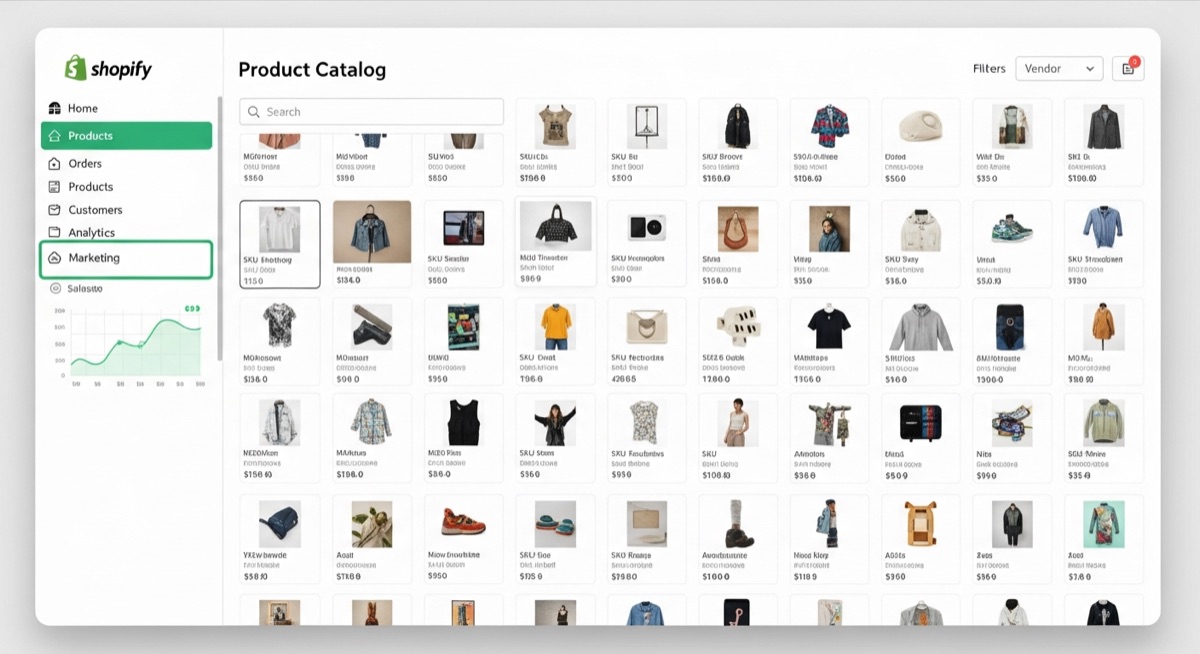
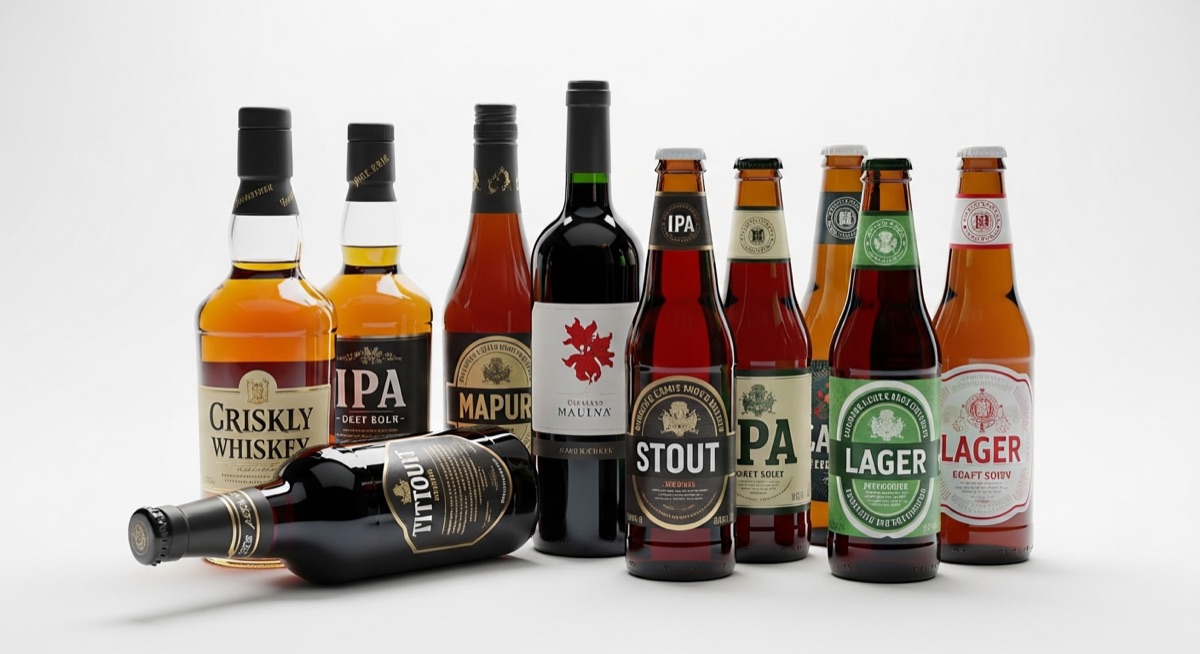
A single-category spirits retailer can easily stock 300 to 600 SKUs. Wine alone can do that. Add whiskey, gin, rum, craft beer, and the specialty stuff your regulars ask for, and you're looking at a catalogue that would take a professional photographer months to shoot properly.
But here's the thing most liquor store owners don't realize until they actually look into it: those photos already exist. Every bottle you sell has already been photographed — probably multiple times — by the brand that made it. Maker's Mark has studio photos of their wax-dipped bottle. Moët & Chandon has a photo budget that would make your eyes water. You don't need to recreate that work. You need access to it.
Why liquor stores struggle with product photos more than other retailers
There are a few specific reasons liquor and spirits retailers have a harder time than, say, clothing stores when it comes to product imagery:
- The catalogue is enormous. A mid-sized spirits retailer might carry more SKUs than a boutique clothing store carries across all its collections. And the catalogue changes — new vintages, seasonal releases, limited editions.
- Bottles are genuinely hard to photograph. Glass is reflective. Labels are busy. Without a polarising filter and some patience, you get glare, hot spots, and text that's unreadable. A bad bottle photo looks worse than no photo at all.
- Customers compare online before they walk in. This is maybe the most important one. Someone searching "buy Pappy Van Winkle near me" or "Antinori Tignanello online" isn't just curious — they're about to buy. If your listing doesn't have a photo, they'll click somewhere that does.
The Broadway Spirits problem: "Customers are searching on Google before going to a store to buy something. We needed our products with images listed on there for us to be discoverable." — Bruna Hilder, Inventory Manager at Broadway Spirits
That last point matters for SEO too. Google Shopping pulls product images from your Shopify listings. If your Patrón Silver listing has no photo, it won't show up in image search or Google Shopping at all — even if your price is competitive and you have it in stock.
The four approaches liquor stores use — and why most of them don't scale
1. Hire a photographer
The quality ceiling is high, but the economics collapse fast. At $20–$50 per product (and that's low for studio work that actually looks good on a screen), a 400-SKU catalogue costs $8,000–$20,000. That's before retouching, file delivery, or updating when the label changes.
2. Source photos from your distributors
Distributors sometimes provide press kits with product images. The hit rate is inconsistent — you might get 60% of your catalogue covered, beautifully, and then nothing for the smaller craft brands. The files also often arrive as mixed-resolution JPEGs in a zip folder, with no clear naming convention, which means hours of manual matching.
3. Screenshot brand websites
People do this. The resolution is usually terrible, the backgrounds are often not white, and the copyright situation is murky. A brand's website photo isn't licensed for reseller use just because you can right-click it.
4. Use AI-generated product photos
Tools like Photoroom can generate a convincing studio-looking bottle photo from nothing. The problem is that the label is often wrong — AI image generators hallucinate text and distort logos. A Jameson bottle with garbled label text undermines the trust you're trying to build.
The approach that actually works: finding the real brand photos
Brands publish high-quality product images to media sites, press databases, retailer portals, and their own press sections. These are the same photos you see in wine magazines, on delivery apps, and on the big retail chains' websites. They exist, they're indexed, and for most major bottles, they're findable.
The manual version of this is: Google "[product name] product photo transparent background", open fifteen tabs, compare images, right-click the best one, download, upload to Shopify, move on. Multiply that by 400 SKUs and you've got two weeks of someone's time.
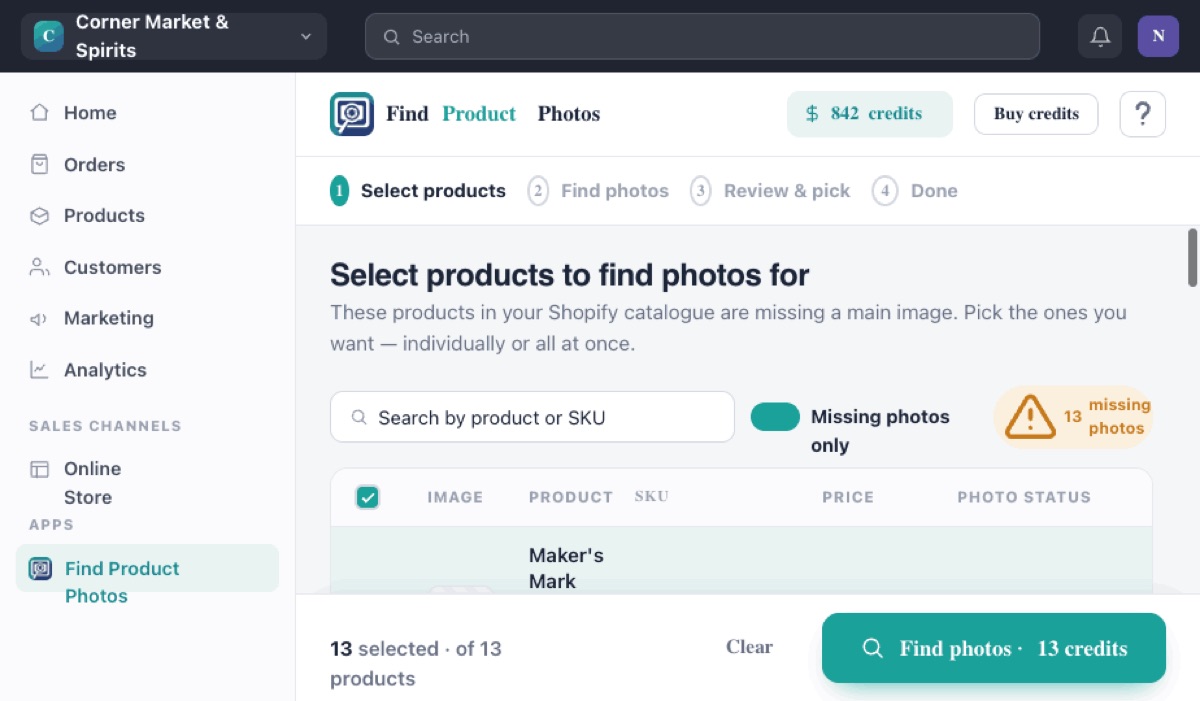
The faster version is to let software do that search for you. Find Professional Product Photos does exactly this — it takes your Shopify product titles, searches for existing brand photos, presents them to you for approval, and uploads the ones you choose directly to your listings.
For a liquor store, the workflow looks like this:
- Install the app from the Shopify App Store
- Select the products you want to find images for — you can do all of them, or filter by collection (just wines, just spirits, etc.)
- The app returns existing brand photos for each product
- You approve the ones you like
- They're uploaded to your Shopify listings in one click
Broadway Spirits — a liquor retailer on Shopify — went from no images on most of their catalogue to full coverage in a single day using this approach. That's the difference between being invisible and being findable when someone Googles what you sell.
Get photos for your liquor store today
Find professional product photos for your entire spirits, wine, and beer catalogue — no photoshoot needed.
Try it on Shopify →What to do about bottles you can't find photos for
Craft beer, hyper-local wine, and small-batch spirits from producers with no marketing budget sometimes won't have quality photos in any database. For these, you have a few options:
- Email the producer directly. Small craft producers are often thrilled when a retailer asks for marketing photos — they'll send you a high-res file within a day. Include your store URL and a quick note about which product you carry.
- Take one decent photo yourself. A white piece of card, a window for natural light, and your phone in portrait mode can get you something serviceable for the long tail items that represent 5% of your sales.
- Use the brand's official press kit. Many spirits brands maintain a press/media section on their website with approved distributor and retailer photos. For major brands (Diageo, Pernod Ricard, LVMH spirits), check their corporate press portals.
One more thing: Google Shopping visibility
If you haven't connected your Shopify store to Google Merchant Center yet, that's the next step after you have photos. Google Shopping is essentially free advertising for liquor retailers — when someone searches "buy Hendricks gin near me" or "Veuve Clicquot price", Google shows product listings with photos, prices, and store names. No photo means no listing.
The sequence is: get photos → connect to Google Merchant Center → let Google index your products → start appearing in Shopping results. The photo part is the hardest step for most liquor retailers. Once that's solved, the rest is a few settings.
If your Shopify store is your primary sales channel, a visible Google Shopping presence could be the most significant thing you do for traffic this year. It all starts with having product images that actually exist.
Start with 10 free photo credits
Install Find Professional Product Photos and try it on your first 10 products — free, no credit card needed.
Get started free →